Introduction
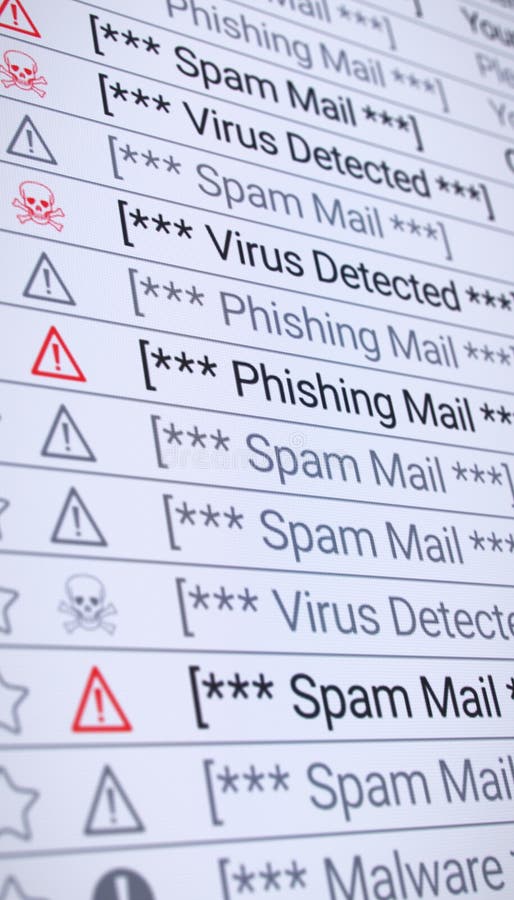
In the digital era, one of the most common problems faced by internet users is spam. Spam refers to unwanted, irrelevant, or repetitive digital messages that are sent in bulk, usually through email, instant messaging, or social media platforms. The primary purpose of spam is often to promote products, spread malware, or trick users into clicking harmful links. While some spam is only annoying, other types can be dangerous and result in identity theft, data loss, or financial fraud.
Types of Spam
- Email Spam – The most common type, where a user receives promotional emails, phishing attempts, or fake lottery/prize notifications. For example, you may get an email claiming you have won a million dollars, but it asks you to click a link and share personal details.
- Social Media Spam – Fake accounts post irrelevant comments or send suspicious messages containing malicious links. For instance, on Facebook or Instagram, you might receive a message like “Check out this link to win free iPhones.”
- Messaging App Spam – On apps like WhatsApp or Telegram, users often get chain messages, fake job offers, or scams requesting money.
- Comment Spam – Many blogs and websites face spam in the form of irrelevant comments promoting other websites or products.
Impact of Spam
While some spam is just irritating, other forms can be harmful. Clicking spam links may install malware, steal passwords, or even hijack your account. It also wastes time, clutters inboxes, and can overload servers.
Conclusion
Computer spam may look harmless, but it can carry serious risks. To stay safe, users should avoid clicking suspicious links, use spam filters in their email, and rely on updated security software. By being cautious, we can protect ourselves from both the annoyance and the dangers of spam.